
Artificial intelligence
AI agents for business: where to start
Which tasks to give an AI agent first, which safeguards to put in place, and how to roll one out so a person can check every result.
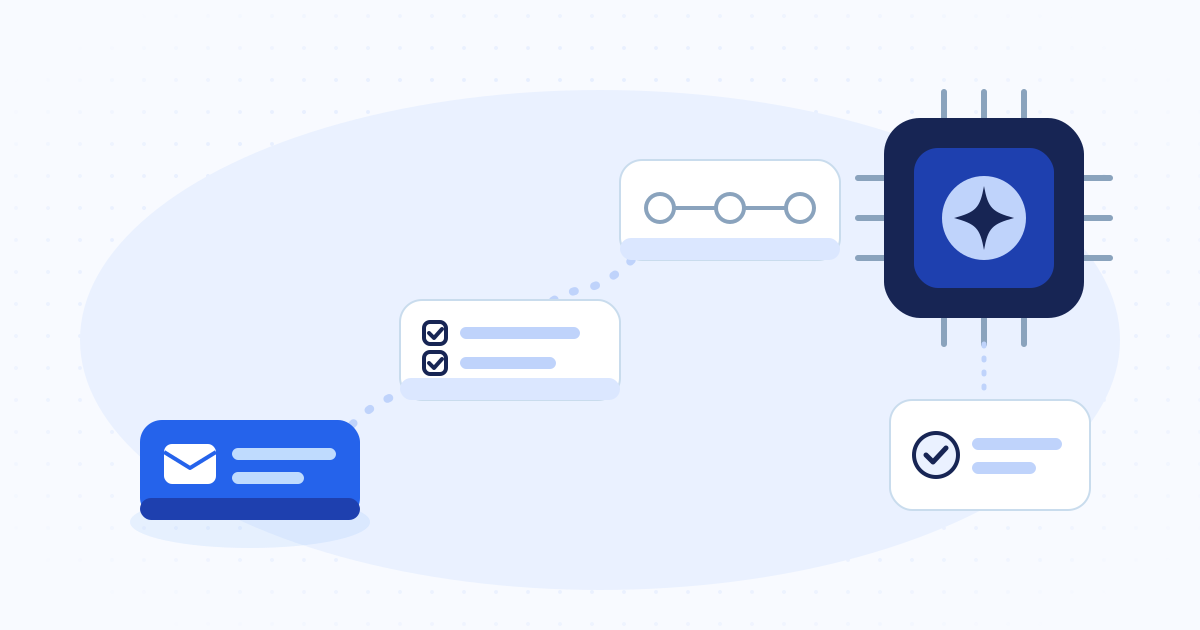
Start with a task that comes back often, follows a rule and takes a person a few seconds to check. Sorting incoming email, pulling the lines out of a purchase order, drafting a quote or chasing an unpaid invoice are good first tasks. Two questions decide whether an agent is worth it. How many hours does it save your team, and how fast can someone check its work? A good demo tells you neither.
In short
- Pick a repetitive task with a known volume and a result you can check.
- The agent must log what it did. Without a log you cannot run it in a business.
- Keep a human approval on anything that touches money, customers or stock.
- Measure the hours you get back after subtracting the time spent checking the agent.
Tasks that suit an agent
Good first tasks come back often, follow a rule even if nobody wrote it down, and someone who knows the job can check them at a glance. A rare, sensitive task that is hard to check is a bad place to start, however annoying it is.
These tasks usually sit around the inbox, incoming documents and the business software you already use. Nobody brings them up in meetings, yet they eat a lot of hours.
- Sort several inboxes, tag each request and draft the routine replies.
- Pull the lines out of a purchase order, a supplier invoice or a scanned PDF.
- Create and update quotes and invoices in the software you already use.
- Keep the CRM current with new contacts, follow-ups and call notes.
- Chase unpaid invoices and unanswered quotes in a tone you have agreed on.
- Build a weekly report from data already in your tools.
Safeguards to set before go-live
A useful business agent knows what it may do, logs every action and stops when a case falls outside its job. The model does not give you any of this, even when its answers are good. You build these safeguards around it.
| Safeguard | What it prevents |
|---|---|
| A written scope | The agent changing a record that has nothing to do with its job |
| An action log | A change nobody can explain three weeks later |
| Human approval above a threshold | A customer email or a payment going out unread |
| Access to the data the task needs and nothing more | A leak of data the task never needed |
| A rule for when it is unsure | An invented answer where it should have handed over |
| Before and after measurement | Automation that adds as much checking as it removes typing |
Messy data stays messy
An agent connected to duplicate customer records, products named three different ways and statuses nobody uses will repeat the mess faster. Before you automate a process, check that its input has a stable shape and one source.
You do not have to clean everything first. Start with the data that is already correct and treat the clean-up of the rest as a separate project with its own deadline.
Four steps to roll it out
This order avoids the two usual failures. One is the pilot that never leaves the demo. The other is the wide rollout that breaks a critical process.
- Observe. Time the real task for a week and write down its exceptions.
- Scope. Write what the agent does, what it does not do and who checks what.
- Run in parallel. The agent works, a person approves, and you compare for a few weeks.
- Hand over in stages. Full review becomes spot checks, except on sensitive actions.
Measure hours saved and errors avoided
Two numbers matter, the time freed and the drop in errors. Record both on the same task with the same people, before the agent and with it. Count the time spent checking the agent, because it is part of the cost.
Also note what changed day to day. Does the team answer requests the same day? Do reminders go out on time? Can people find information without asking a colleague? No counter shows these effects, so write them down during the parallel run.
What an agent should not do alone
Some decisions stay with people, even when the system is reliable. Stock adjustments, commercial commitments, special discounts, anything that moves cash and sensitive messages to customers all need a person to approve them.
It is the same rule you apply to staff. No company lets one employee commit it without a check. A well-built agent prepares the whole action, and the person reads it and approves.
Common questions
The short answers
Do we need a lot of data to use an AI agent?
Not always. Reading a document, drafting a reply or updating a record needs a general model and your business rules. Volume starts to matter for forecasting and anomaly detection.
Can an AI agent work inside our existing software?
Yes. It uses the API when there is one, file import and export when there is not, and screen automation as a last resort. An API holds up better. Screen automation breaks more often, for example when the vendor changes a screen, but some software offers no other way in.
How do we know when the agent got something wrong?
Plan a readable action log from the start, and a period where the agent runs in parallel with human approval. Without both, you find an error only after it has done its damage.
Can a company in Algeria build and host AI agents for us?
Yes. Sindan Solutions builds AI agents and automation from Algiers for clients in Algeria and abroad, connects them to the tools you already use, and keeps the accounts and data in your name.