
Appointments and diary
One diary per doctor, room or machine, visible at the front desk and in the consulting room. A set length per type of visit, a waiting list, and a reminder by SMS or message the day before.
Clinics and medical practices
Appointments, patient records, payments and CNAS or insurer cover in one system, built for your medical practice or private clinic in Algeria. You own the code and the data.
Day to day
In many practices the diary is a notebook, the records sit in a cabinet and the day's takings go in a drawer. It all works until someone needs last year's file.
What the software covers
You pick the modules you need. A single practice often starts with the diary and patient records. A clinic adds admissions, rooms and billing per insurer.
One diary per doctor, room or machine, visible at the front desk and in the consulting room. A set length per type of visit, a waiting list, and a reminder by SMS or message the day before.
Identity, history, allergies, current treatments, reports, prescriptions and scanned lab results. The doctor sees the patient's full history during the visit.
The doctor records the visit in a few fields. Prescriptions and certificates print on the practice letterhead, and a copy stays in the file.
Each procedure has its price. The front desk takes cash, cheques or cards, and the day's takings line up against the number of visits.
For each patient, the insurer, the policy number and the share the patient pays. At the end of the month the software prepares the statement of procedures for each insurer or agreement.
For a clinic, the admission, the room or bay, the doctor, the procedures and the discharge. The front desk, the doctors and billing read the same room schedule.
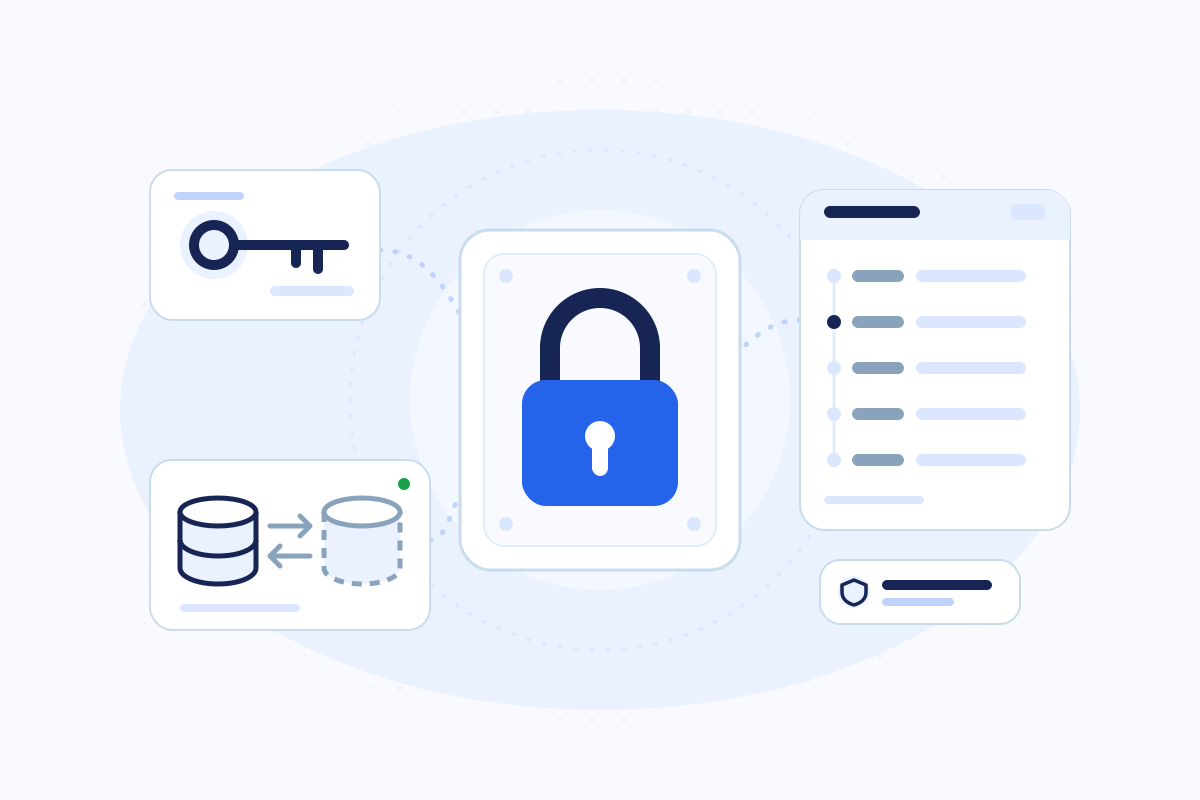
One account per person, permissions by role, and a list of who opened, changed or printed a file. Law 25-11 requires this log.
Visits per day and per doctor, missed appointments, takings per procedure and per insurer. The figures come from what staff entered that day, with no recount.
A partner lab, imaging, accounting or software you already run. We connect to them where we can, and we tell you during scoping where we cannot.
A typical day
This is the path of one patient through a two-doctor practice that runs the software. A clinic follows the same thread, with admission and discharge added.
The patient calls or writes. The front desk sees each doctor's free slots on screen and books the appointment.
The day before, the software sends a reminder. If the patient cancels, the slot opens up and the front desk offers it to the next person on the waiting list.
The front desk marks the patient as waiting. On the doctor's screen, the file opens with the patient's history and last visit.
The doctor records the examination, prints the prescription and books the follow-up. Everything goes into the patient's file.
The front desk takes the patient's share. When an insurer covers the procedure, the line goes into that month's statement.
The day's takings, number of visits and missed appointments fit on one screen.
Health data
Algeria's Law 25-11 of 24 July 2025 requires every data controller to keep a register of its processing and an automatic log of operations on personal data. In a practice, that log shows who viewed, changed or sent a patient file, when and for what reason.
A notebook or a shared Excel file cannot produce that log. Software produces it when someone designed it to, and we build it that way from the first module.
Read our guide to Law 25-11 (French)The project
The five steps of our method, applied to a practice or a clinic. We move to the next step once you approve the current one.
Deliverable · Written scope
We watch the front desk and the visits on a normal day, then write down what the software will do first.
Deliverable · Approved mock-up
You click through the diary, the patient file and the cash desk as mock-ups before any code.
Deliverable · Testable version
We deliver in pieces, usually the diary first, then records and the cash desk. Your staff try each piece on real appointments.
Deliverable · Software in service
We bring in your patient files, train the front desk and the doctors, then set up hosting and backups.
Deliverable · Ongoing support
The same team fixes, updates and adds the next modules.
We do not publish prices. The amount depends on the modules you choose, the number of doctors and workstations, bringing in existing records and links to other software. After scoping you receive a quote split by phase.
Common questions
Not always. If an off-the-shelf product covers your diary, records and billing, we will tell you in the first conversation. Custom software makes sense with several doctors or specialties, a clinic with admissions, special agreements, or tools that need to talk to each other.
Reading the Chifa card depends on CNAS agreements and approved hardware. We check this with you during scoping. Either way, the software keeps the insurer, the policy number and the covered share for every procedure, and prepares the monthly statement.
Yes. We import Excel files and exports from older software. We scan paper files and attach them to each patient at your pace, often starting with the patients you see most.
We decide this with you during scoping. A single practice can run the software on a computer in the practice with an off-site backup. A clinic or a practice on several sites works on an online server, and we plan what the front desk does during an outage.
The practice or the clinic. The server is in your name, you own the code, and you can leave with both. When we host or maintain the software, Law 25-11 makes us your processor, and our answers about data access go into your register.
We do not publish a fixed price, because the amount depends on the modules, the number of doctors and workstations, data migration and links to other software. After a first conversation and scoping, you receive a quote split by phase.
Guides
What moves the price of business software, how to read a quote line by line, and which questions to ask before you sign.
Read the guide
Time zone, language, who writes the code, ownership, contracts and support after launch. The points to settle before you sign with a team in Algeria.
Read the guide
Law 25-11 of 24 July 2025 requires a data protection officer, a register of processing and an automatic log of operations on personal data. What your business software must do.
Read the guide (French)
How to state what a business system must do without writing a technical novel: goals, users, workflows, rules, data, security and acceptance.
Read the guide (French)
Four written answers show whether your application is protected: backup frequency, recovery time, where you test changes and who approves an update.
Read the guide (French)
Compare ERP, off-the-shelf software and custom development on a simple grid: processes, real cost, integrations, ownership and how each one changes over time.
Read the guide (French)Describe your front desk in two lines on WhatsApp, with the number of doctors. We will tell you which module we would start with.