
Artificial intelligence
Letting an AI agent into your business software: read-only first
Six controls to ask for before you connect ChatGPT, Claude or any AI agent to your ERP, stock or sales software, and what SAP, IBM and Microsoft shipped for this in October 2026.
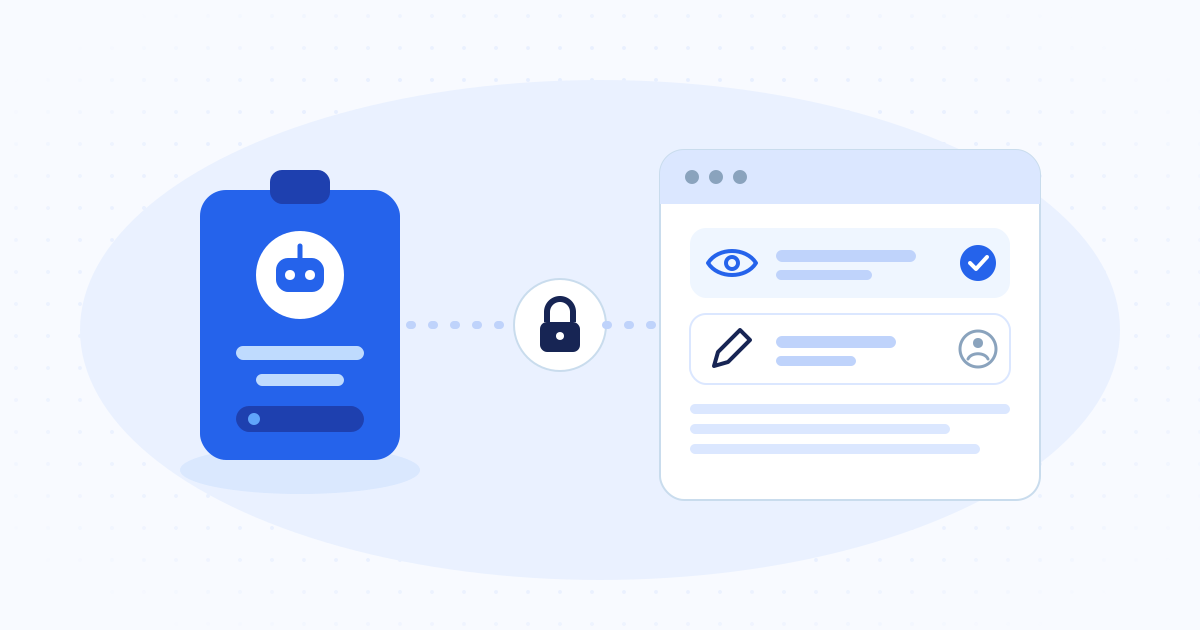
Give the agent its own user, tied to a named person, and start it read-only. From day one it can look up stock, prices and unpaid invoices. Anything that changes a price, moves stock or touches a payment waits for a person to approve it. Every action lands in a log your team can read, and one switch turns the agent off. Ask for these controls before you connect any assistant to your ERP, whoever sells it.
In short
- One agent, one user, one named owner. Never a shared login or a key that never expires.
- Read-only by default. You add write access one action at a time.
- Prices, payments and stock adjustments wait for a person to approve them.
- A log the team can read, and an off switch that works in seconds.
Why this came up in October 2026
In the second half of October, three of the largest business software vendors shipped controls for AI agents. The products differ, but the problem is the same. Agents now reach into the systems that hold a company's money and stock, and someone has to decide what each one may touch.
- Microsoft, 19 October. Dynamic Permissions scope an agent to its task and remove access when the task ends. Policy can keep read access while blocking writes, and higher-impact actions can require verified human approval.
- IBM, 27 October. Agent Identity became generally available with HashiCorp Vault 2.2. It records who owns each agent, Vault issues the agent short-lived credentials, and the system can deny an action outside its permissions and revoke the session in real time.
- SAP, 27 October, at TechEd in Berlin. Outside agents can call SAP's Joule agents through a governed agent gateway, and a new Enterprise AI Gateway covers authentication, policy, monitoring and auditing of AI traffic.
What a smaller company takes from this
A company of twenty people will not buy an agent governance platform. It needs the same controls all the same, and good business software can provide them without an enterprise licence. The sections below are the list to hand your vendor, or your own developers, before any assistant gets a login.
Give each agent its own user and owner
An agent that signs in with the manager's password is invisible. Every change it makes looks like the manager made it, and you cannot switch it off without locking the manager out as well.
Create a separate user for each agent, named after its job, such as "agent-orders" or "agent-collections". Write down the person who answers for it. When that person leaves, review the agent along with their other accounts.
The agent gets its owner's rights, or fewer
An agent should never see more than the person it works for. If the salesperson cannot see purchase prices, the agent that drafts their quotes cannot either. Start from the owner's role and remove what the task does not need.
Use access keys that expire, where the software allows it. A key that never expires and sits in a configuration file is the easiest thing in the system to steal.
Start read-only
Most of the value in the first months comes from reading. How many cartons of this item are left in the north depot? Which customers are more than 60 days late? What did we sell to this shop last quarter? None of these questions change anything.
Run read-only for a few weeks. You learn which questions people ask most, and where the data is wrong, before the agent can make anything worse.
Writes wait for a person
When you add write access, add it one action at a time, and decide for each action whether a person approves it first. This table is a sensible starting point for stock and sales software.
| Action | Starting rule |
|---|---|
| Look up stock, prices and balances | Allowed |
| Draft a quote or an order | Allowed as a draft, a person sends it |
| Change a selling price or a discount | A person approves each change |
| Adjust stock after a count | A person approves and records the reason |
| Record or send a payment | A person approves, every time |
| Delete a record | Not allowed |
A log your team can read
Every action the agent takes should land in a list a manager can open without calling IT: what changed, on which record, when, and who approved it. Technical logs on a server do not count if nobody on the team can read them.
Ask the vendor to show you this list before you sign. If producing it takes a week, the log does not exist in practice.
An off switch that works in seconds
Disabling the agent's user should stop it at once, without touching anyone else's access. Test this during the trial, and again after each update of the software or the agent.
What this looks like in a distribution system
Dido, the distribution management system Sindan Solutions builds, works this way. An AI assistant connects as a named user, sees and does only what that user's role allows in its warehouse, and the team can read every action it took in an AI activity log.
Common questions
The short answers
Is it safe to connect ChatGPT or Claude to our ERP?
It can be, if the connection uses its own user with limited rights, starts read-only, and logs every action. The risk sits in the access you give it, so that access is what you limit.
What is an MCP server?
The Model Context Protocol is an open standard that lets an AI assistant call tools in another system, such as "list unpaid invoices" or "create a draft order". An MCP server is the part of your software that offers those tools. Each tool can be limited by the user's role, like any screen.
Does a small company need an agent governance product?
Usually not. The controls in this guide can live in the business software itself: a separate user per agent, role-based rights, approvals on sensitive actions and a readable log.
Can Sindan Solutions connect an AI agent to our existing software?
Yes. Sindan Solutions builds AI agents from Algiers for clients in Algeria and abroad and connects them to the software you already use, with a separate user per agent, read-only access first and a log of every action.