
Prospects kept apart
A prospect is not a customer. It stays in the CRM until it converts, and when you create one Dido flags customers and prospects already on file that look alike.
Dido · CRM
Dido CRM is prospect and deal tracking software for SMEs in Algeria, published by Sindan Solutions. Companies that sell to other companies use it to keep prospects apart from customers until they convert, lay out deals by stage and give each salesperson a daily agenda of calls, visits and tasks.
In the demo, open the CRM menu. You will find prospects, open deals laid out by stage and the activities of the sales team.
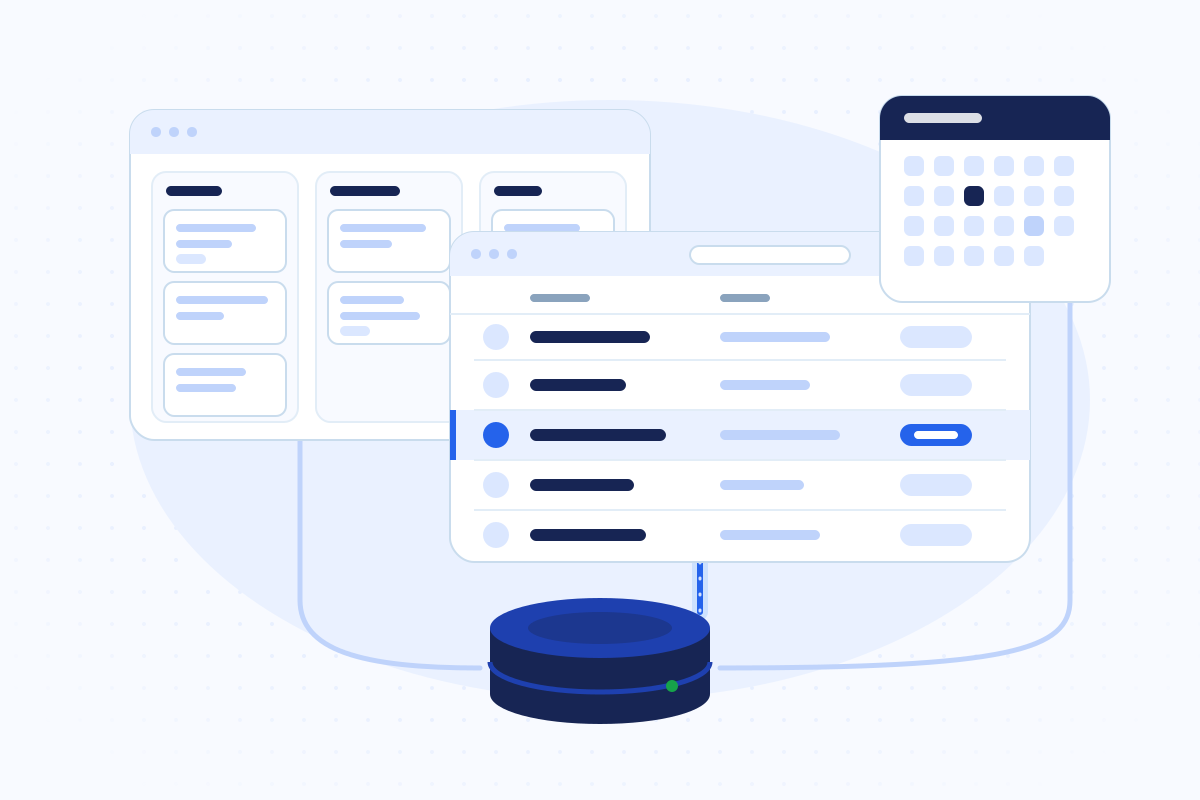
What the module does
Each card describes what the Dido CRM does today.
A prospect is not a customer. It stays in the CRM until it converts, and when you create one Dido flags customers and prospects already on file that look alike.
A prospect ready to buy becomes a customer, or links to one already on file. Conversion asks for the price tier: retail, mid-wholesale, wholesale or institutional.
Open deals stage by stage, with their totals. Each stage has a default win chance.
A deal for a customer or a prospect, with its history. Won at the amount you state, or lost with a reason, with a follow-up if needed.
You record what happened, a call, a meeting, a visit or a note, and plan the next step in the same move.
For each salesperson, what is overdue, what is due today and what is coming up.
A colleague writes on a deal or a prospect, and Dido tells its owner and followers. Follow a deal to hear when it moves.
A target per person per month, against the deals won that month.
The establishment can narrow the CRM to each person's team or to their own records. Unassigned records stay visible to everyone.
Pipeline, forecast, results, prospects and team over a period.
For each customer, the last invoice, the amount invoiced over 90 days, what is still owed, and dormant accounts.
When a salesperson leaves or changes territory, their prospects, open deals and planned work pass to a colleague in one step.
One deal
Every step stays in the deal's history.
The salesperson creates the prospect. Dido flags lookalike records before anyone adds one too many.
Once there is a need, a deal opens with an estimated amount at the first stage of the pipeline.
Calls and visits go on the deal, each with its next step. The salesperson's agenda picks them up.
The deal closes as won at the stated amount, or lost with a reason.
The prospect becomes a customer with its price tier. Quotes and invoices then go through the sales module.
Honest figures
An open deal's amount is an estimate, and the weighted amount multiplies it by a win chance. Dido marks pipeline, forecast and weighted figures as estimates, separate from money collected.
A won deal keeps the amount the person stated at the win. What a customer owes and what it holds in credit stay two separate figures.
Who it suits
The CRM fits wherever a sale takes several calls, a visit or a quote before the order.
Inside Dido
A converted prospect becomes a Dido customer like any other. Its quotes, orders and invoices go through the sales module, and its debts through credit control.
Sales reports also give revenue by salesperson, next to the CRM's won deals and targets.
See sales and invoicingSee van salesSee custom ERP developmentQuestions
Because a customer reaches every till and every driver's phone the moment it exists. So a prospect stays in the CRM until it is ready to buy. On conversion, you choose its price tier, or link it to a customer already on file.
When you create a prospect, Dido flags customers and prospects already on file that look alike, before you add another one.
That depends on the establishment's setting. The establishment can narrow the CRM to each person's team, or to their own records. Unassigned records stay visible to everyone.
No. An open deal's amount is an estimate, and the weighted amount multiplies it by a win chance. Dido marks them as estimates. A won deal's amount is the one the person stated at the win.
You hand their portfolio to a colleague in one step: their prospects, open deals and planned work. Dido shows a preview before the handover.
Yes. One target per person per month, against the deals won that month. Setting a target requires a supervision permission.
We do not publish a price list. The price depends on the modules you take, and we quote it after a short call.
Yes. The Open the demo button at the top of the page opens a sample manager account, with the password example shown on the sign-in page. The CRM menu holds prospects, open deals and activities.
Guides

What moves the price of business software, how to read a quote line by line, and which questions to ask before you sign.
Read the guide
How to state what a business system must do without writing a technical novel: goals, users, workflows, rules, data, security and acceptance.
Read the guide (French)
Compare ERP, off-the-shelf software and custom development on a simple grid: processes, real cost, integrations, ownership and how each one changes over time.
Read the guide (French)That number and how you track prospects today are enough for us to show you the same follow-up in Dido.